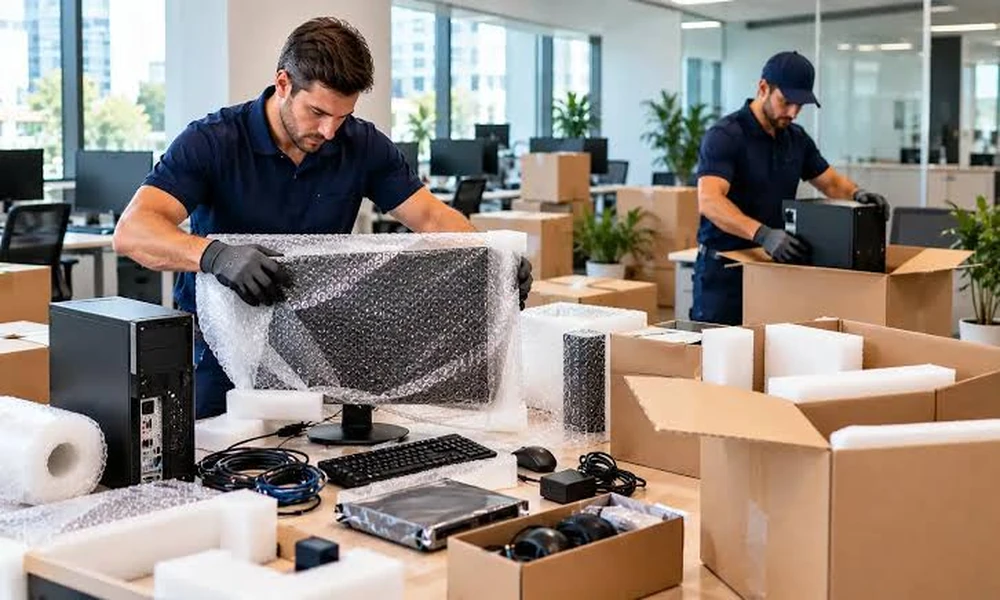
The process of moving a home office is not the same as that of moving a regular room. Your desk can be replaced. But the files on your computer, the client documents in your cabinet, and your well-organized office equipment may not be as readily replaceable.
You also don’t want to waste your first week in the new home finding out what some of the mystery cables are. But worry not. Below, we give you some hints on how to successfully move with a home office.
Backup files before disconnecting devices
First, make sure to secure your data. Save critical files to a cloud storage system and external storage device before turning off the computer or other media. If possible, confirm that the backup was successful. Don’t just assume everything has synced.
Do not put the backup drive in a moving box. Keep it with you. Also, store sensitive documents in a secure physical location, away from common household items.
Photograph your workspace before taking it apart
The bundle of cables behind your desk makes perfect sense today. However, one week later it might appear to be a bunch of matching black wires.
Take pictures of the back of your devices before unplugging them. That includes:
- Computer
- Monitors
- Printer
- Router
- Other office equipment.
Take close-up photographs that make it easy to see which cable is attached to which port. This will provide you with a visual reference when rebuilding your workstation.
Label cables as you remove them. Place related cords, chargers, and accessories together.
Pack the office according to how quickly you need it
Avoid stuffing items randomly into boxes. Consider the items you will need upon arrival.
Make an “open first” box with essentials like:
- Laptop supplies
- Necessary cables and chargers
- Keyboard
- Mouse
- Basic stationery.
It could be one or two boxes with all the things required to restart your work. Label the other boxes with their contents and their destination.
Use an appropriately sized box for documents. Do not overstuff large boxes with bulky files. Before packing, review old documents. You may safely dispose of unwanted documents.
Use professional movers for heavy and fragile items
Your home office may have items that need extra care and attention when handling them. For example:
- Desks
- Filing cabinets
- Printers
- Large monitors
- Desktop computers, etc.
The equipment can also be cumbersome to move through doorways and stairs.
You can hire a reliable company like Chipman Relocation to do the heavy lifting. This allows you to focus on safeguarding your data. Professional movers can be particularly helpful when you’re moving multiple expensive equipment or furniture that must be disassembled and reassembled.
Plan your new office before moving in
Last but not least, plan your new office before the boxes arrive. Measure the space available. Know where you will position the main stuff like:
- Desk and chair
- Monitors
- Printer
- Shelves
- Filing storage.
This will make the unpacking process easier.
You should also consider:
- Power outlets
- Lighting
- Internet access.
If you need internet access, schedule the installation before the move.
When you get there, check your equipment before disposing of packing material. Carefully connect devices and test to see if everything is working.